

04 · Digital sales tools
Interactive property showrooms for presenting units, finishes and options.
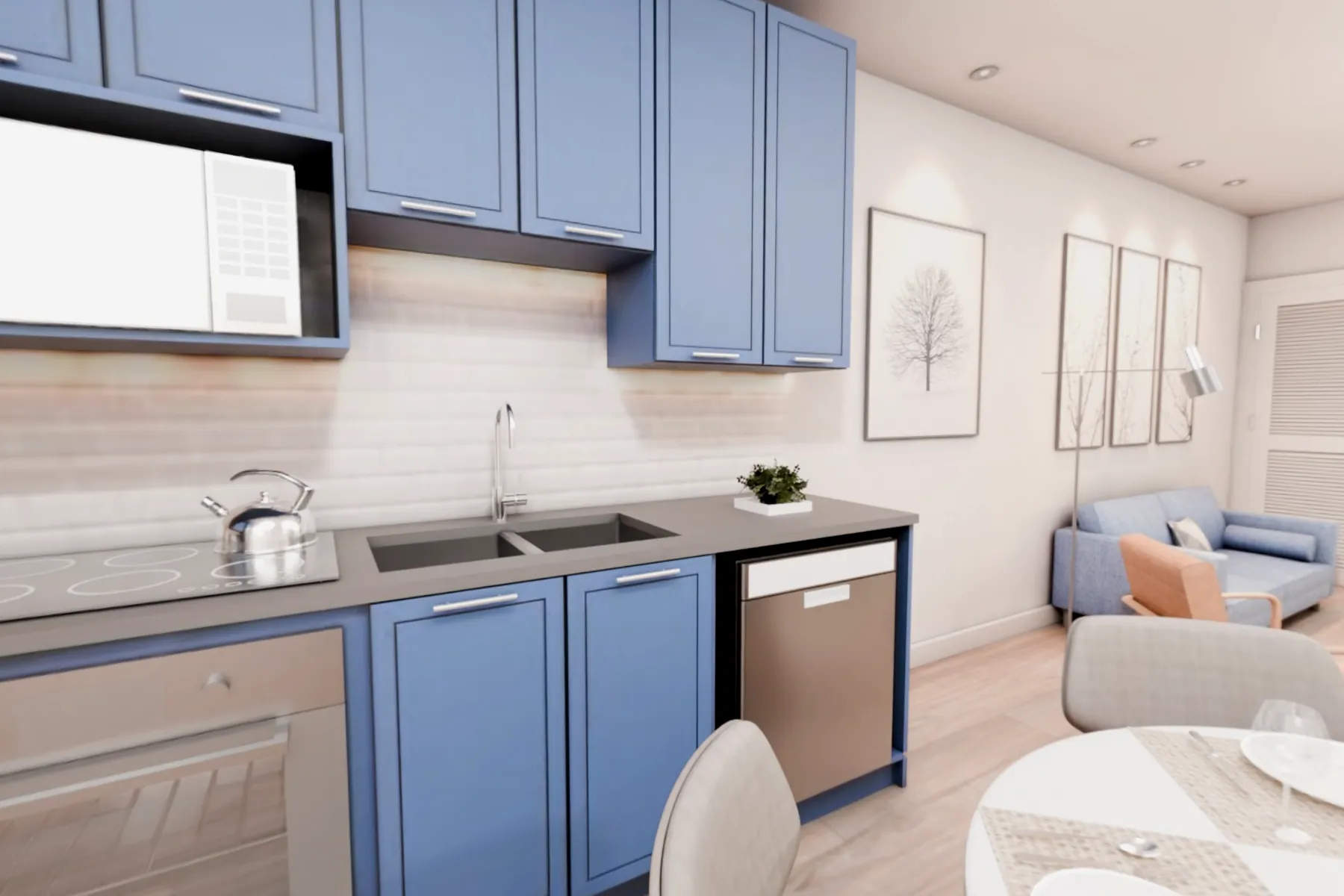
A digital showroom brings your units, specifications and finishing options into one interactive space, usable on a sales-centre screen, in a client meeting or by a buyer at home.
Overview
The show unit, the spec sheet and the options, together.
Buyers ask the same questions in every meeting: what is the kitchen made of, which finishing package is this, what changes in the larger unit. A digital showroom answers them inside the space itself, with information points placed exactly where the question arises.
It can be built from an existing show unit captured on site or rendered from your design files, and it runs in the browser on anything from a phone to a large touch display.
Where it is used
- 01
Virtual sales centre
Offer the showroom online to buyers who have not visited yet.
- 02
Finishing packages and options
Present material and finishing choices side by side, in context.
- 03
Model unit presentations
Extend the life of a show unit beyond the period it physically exists.
- 04
Exhibitions and property shows
Present the project at events without shipping a physical mock-up.
Why it works for sales teams
- 01
One place for the full offer
Units, finishes and amenities in a single experience instead of separate files.
- 02
Answers in context
Specifications, images, video and documents attached to the exact spot in the room.
- 03
Same presentation, every time
Each salesperson tells the project story consistently.
- 04
Any screen
Phone, laptop, sales-centre display or touch screen.
What a showroom can include
- 360° scenes captured on site or rendered from design files
- Information points with specifications, images, video and links
- Navigation between units, rooms and finishing options
- Your branding and contact actions
- Engagement statistics for the experience
What we need from you
- Access to the show unit, or the design files for the units to present
- Specifications, finish schedules and option lists
- Brand assets and the documents you want linked
How it works
How the project runs
Every project follows the same five steps, with agreed deliverables and review points.
Discovery
Understand the property, project, and marketing objectives.
Content Collection
Collect photography, 360° captures, architectural plans, or 3D renders.
Experience Production
Build the immersive digital experience.
Review & Refinement
Review the project with the client and apply agreed revisions.
Launch
Deliver a shareable digital experience ready for websites, campaigns, and sales presentations.
Frequently asked questions
Do we need a physical show unit?
No. A showroom can be captured from an existing show unit or rendered entirely from your design files.
Can it present different finishing packages?
Yes, as separate scenes or as information points. The scope depends on the number of options and units.
Will it run on a touch screen in our sales centre?
It runs in a web browser, so it works on large displays and touch screens. We confirm the hardware with you during discovery.
Can we see how buyers use it?
Yes. A private statistics page shows views, contact-button taps and which information points were opened.
Related solutions
Want a showroom that works beyond the sales centre?
Share your unit types and finishing options, and we will outline how the showroom could be structured.